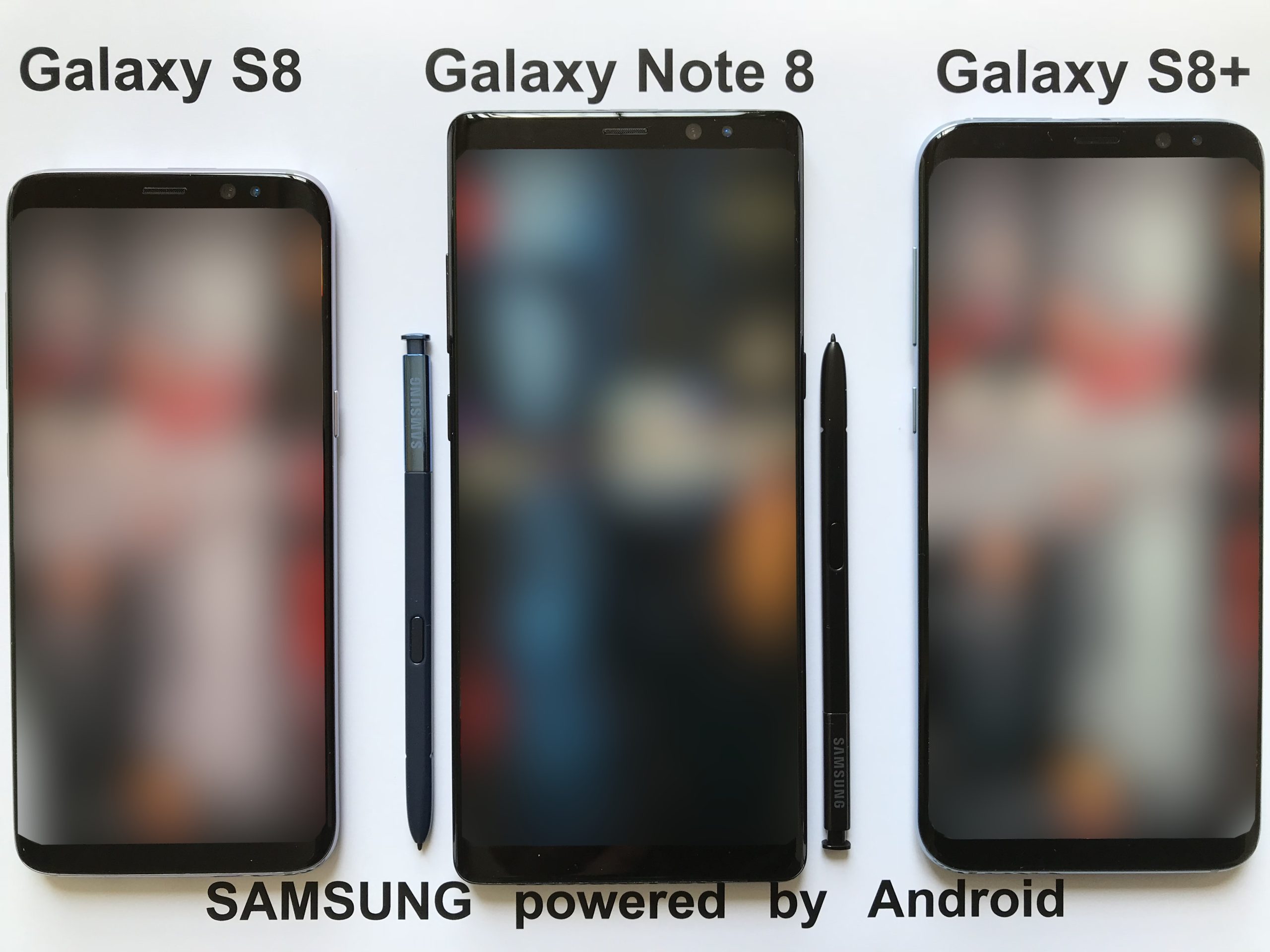
Modern play rarely happens on a single device in a single place. Trainers may check a phone on the way to work, use a tablet at home, and walk with friends in a park at the weekend. A companion app that only works well in one setting can quickly feel limiting. wecatch addresses this reality with multi-device tracking and a design meant for everyday movement, so trainers can follow spawns and routes wherever their day takes them.
Play Across Phones and Tablets
Different devices suit different moments. A phone is ideal for walking, while a larger tablet screen can make map planning at home more comfortable. Wecatch describes compatibility with Android and iOS phones and tablets, and installation on multiple devices, which supports this kind of flexible use.
Switching devices should feel seamless rather than disruptive. Trainers can plan on a larger screen, then carry the same awareness on a phone during a walk. That continuity helps routes and alerts remain useful across the whole day, not just during a single session.
Monitoring More Than One Location
Multi-device tracking also connects with monitoring multiple locations at once. A trainer might watch home, a workplace, and a favourite park simultaneously, rather than checking each area separately. This broader view helps players decide where to head when free time appears unexpectedly.
Watching several areas requires discipline, however. Too many monitored locations can create constant alerts and divided attention. Trainers should choose a small number of genuinely useful areas and expand only if the alerts remain manageable and relevant.
Everyday Routes and Real Life
The most practical use of a tracker is fitting play into real life. A commute, a school run, a shopping trip, or a dog walk can all become light play sessions when routes and alerts are already set. Wecatch’s route tools and live maps support this integration by showing what is nearby without demanding constant attention.
Everyday play works best when expectations stay modest. Not every errand will produce a rare catch, and that is fine. The benefit is that ordinary movement becomes slightly more rewarding, with occasional surprises that brighten a routine day.
Staying Connected While Moving
Live tracking depends on GPS and an internet connection, both of which can vary while moving. Urban areas usually offer strong signals, while parks, rural paths, and large buildings can cause gaps. Trainers should expect occasional delays and avoid relying on the map alone in unfamiliar places.
Battery management is part of staying connected. Location services and bright screens use power, so carrying a power bank on longer outings is sensible. Lowering screen brightness between checks and closing unused apps can also extend play time without affecting the experience much.
Walking Safely with a Tracker
Using a tracker while moving requires attention to safety. Trainers should pause in safe places to check the map, rather than walking while staring at the screen. Crossings, cycle paths, and busy pavements all demand full awareness, and no spawn is worth a careless step.
Groups can help here, with one person navigating while others watch the surroundings, or by agreeing to stop at set points to review the map together. Safe habits protect both the trainer and everyone sharing the path, and they make outings more relaxed for all.
Adapting to Events and Travel
Events and travel test a tracker’s flexibility. During community days or special events, spawn patterns change quickly, and filters and alerts may need temporary adjustment. While travelling, new areas bring unfamiliar maps and routes, making a clear overview especially valuable.
Trainers visiting a new city can use the map to identify promising parks and stop-dense areas before setting out, then explore on foot with a simple planned loop. That preparation turns an unfamiliar place into an enjoyable hunting ground, rather than a confusing maze.
Making Movement Part of the Fun
Ultimately, the appeal of a mobile tracker is that it celebrates movement itself. Walking, exploring, and discovering new places are central to Pokémon Go, and tools that support those activities enhance the game’s core pleasure. A well-used companion app does not replace exploration; it enriches it with information and structure.
For trainers who play across devices and locations, keeping setup simple, alerts focused, and routes realistic will deliver the best results. More details about multi-device support and everyday features are available from wecatch.org, where readers can check the latest guidance before they begin.
Planning Play Around Travel and Events
Travel brings fresh opportunities and fresh complications. A new city offers unfamiliar parks, different stop layouts, and spawn patterns you have not yet learned. Before setting out, use the map to identify a few promising areas, choose one simple loop, and keep the first outing short while you learn the surroundings.
Events require similar preparation. Community days and special events change spawn pools and increase activity, so filters and alerts set for ordinary days may need temporary changes. Adjusting them the evening before an event, rather than during it, saves time and reduces confusion when spawns appear quickly.
After travel or an event, a short review helps even more than usual. Note which new areas were rewarding, which routes felt safe and pleasant, and which alert changes worked well. Those notes turn a one-off trip into lasting knowledge, ready for the next visit or the next event.
Above all, keep movement enjoyable. The best companion setup is one you barely notice while walking, yet quietly guides you toward rewarding places and timely alerts. When the technology fades into the background and the walk itself becomes the pleasure, the app is doing its job well.